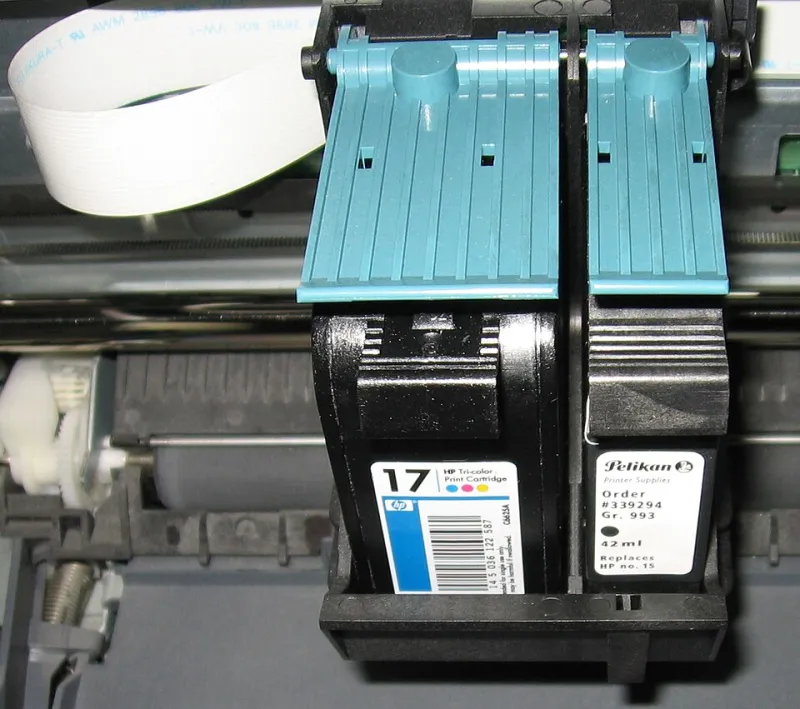
Why Your Inkjet Prints Nothing and Still Burns Through Ink
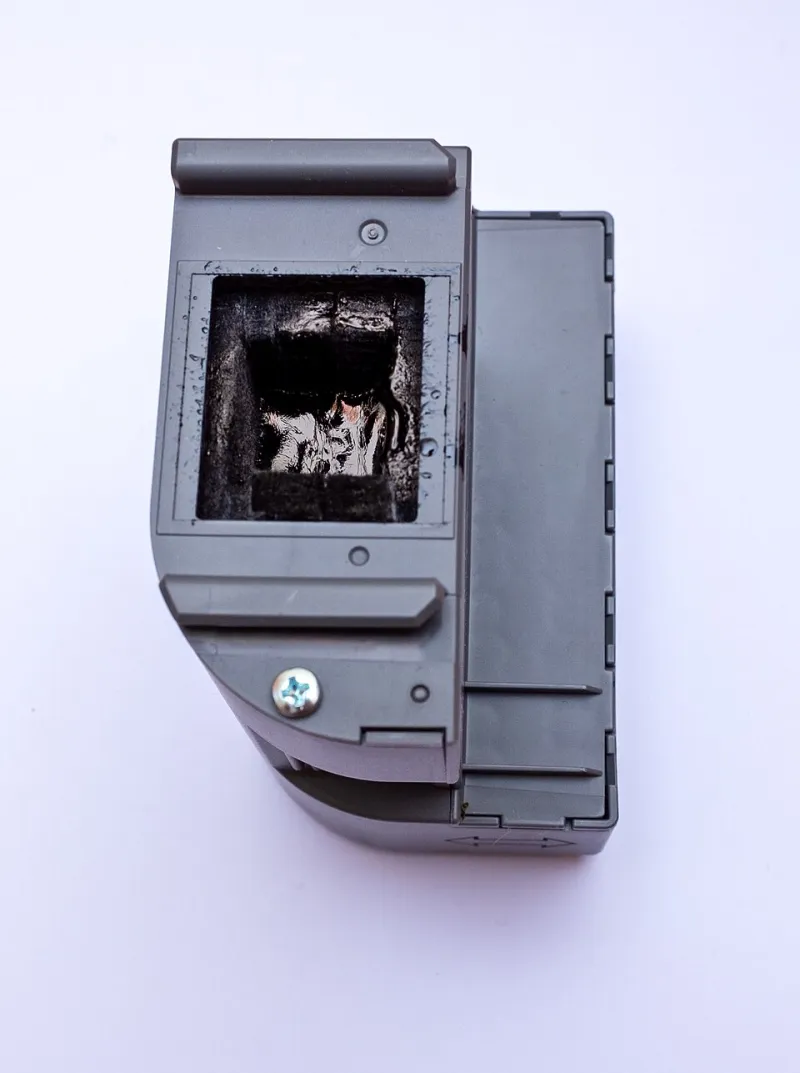
Photo: Ll1324, CC0, via Wikimedia Commons
Your printer has a dirty little habit: it can use ink when you are not printing anything. You fire off one click-and-collect receipt, leave the machine alone for a fortnight, then get the low-ink warning before you have printed a single holiday photo. It feels like a scam. It is usually maintenance.
Modern inkjets are not designed to sit silently like a toaster. They have nozzles finer than a human hair, and those nozzles clog if ink dries in them. To avoid that, the printer runs cleaning and priming cycles. Some happen before a job. Some happen after. Some are triggered by time, power, or a cartridge change. The ink has to go somewhere, and that somewhere is usually the waste ink pad.
The overnight ink drain, explained
Manufacturers do not usually publish a neat schedule of every purge. Many models run a maintenance cycle after being idle for a set period, or when powered on after a long gap. If the printer is left in standby and plugged in, it may wake itself to perform these routines. Not every machine does this every night, and the amount varies. But over weeks, those little purges add up. A printer that prints ten pages a month can still burn through ink simply keeping its nozzles alive.
This is why the ink level can fall even when the page counter barely moves. The printer is not printing your documents; it is protecting its printhead. That is a reasonable design goal, but it is a rubbish surprise when you are paying branded cartridge prices.
Triggers worth knowing
- Power cycling. Switching the printer off at the wall every night can make the next start feel like a cold start, and some models respond with a cleaning cycle. If you use a smart plug to cut power daily, you may be causing extra work.
- Long idle gaps. Three weeks of silence followed by one page often triggers a bigger clean than a few small jobs spread across the same period.
- Cartridge reseating. Taking a cartridge out and putting it back in can prompt the printer to prime or re-recognise it. Do not do it for fun.
- Cartridge changes mid-job. Interrupting a job or swapping ink at the wrong moment can leave the printer running extra checks.
- Error states. Paper jams, cover openings, and low-ink warnings can all lead to a purge once the error is cleared.
- Inconsistent chip recognition. Some compatible cartridges are recognised perfectly; others make the printer hesitate. That hesitation can mean more cleaning. It is not a reason to avoid all compatibles, but it is a reason to buy from a seller with a good returns policy.
How to catch it in the act
Keep a simple log. Note the date, the cartridge level, and the number of pages printed. If the level falls without pages, maintenance is the likely reason. Listen for whirring or clunking when the printer should be idle. Check the printer app or onboard display for ink-level history. Do not run a nozzle check every day to reassure yourself; that uses ink too. A small weekly print is often gentler than a giant clean after a month of nothing.
Practical ways to cut the waste
Print something small once a week. A single text page in black uses very little ink and keeps the nozzles active. It sounds silly, but a shopping list or a short letter is cheaper than a deep clean.
Avoid unnecessary hard power-offs. Use the printer's own sleep or standby mode where possible. If you are going away, follow the manual rather than yanking the plug. A timer plug is convenient for lamps, not always for inkjets.
Group jobs sensibly, but do not leave the printer untouched for weeks. If you only print once a month, consider whether an inkjet is the right machine for you. For plain-text, low-volume printing, a mono laser can be less drama. For photos, an inkjet still makes sense, but it needs a little routine.
Install cartridges once and leave them alone. Repeated reseating can trigger priming and waste ink. Keep the printer clean and dust-free, and avoid blocking vents or parking it next to a radiator.
When compatible cartridges change the maths
A compatible cartridge cannot stop your printer from running maintenance cycles. What it can do is lower the cost of every millilitre that goes through those cycles. That is the honest case for compatibles: they do not fix the drain, but they make the hidden cost easier to bear. Buy from a reputable UK supplier, check the model and cartridge code carefully, and keep the packaging until you know the cartridge is behaving. If the printer starts cleaning constantly after a swap, stop and talk to the seller rather than buying another random multipack.
When it is not normal
If ink vanishes overnight, the printer is unusually warm, or you can hear it cycling repeatedly, something may be faulty. A soaked waste ink pad, persistent error codes, or cleaning cycles that run back-to-back are worth a support call. Document what you see, including dates and cartridge batches. Do not assume a compatible cartridge is to blame just because it is the easiest suspect.
The bottom line
Your printer is not haunted. It is maintaining itself, sometimes at your expense. Track the ink levels, reduce the triggers you can control, print little and often, and choose supplies that fit your actual use. The hidden ink drain is real, but it is manageable once you know what you are looking at.