Stop Asking One Printer to Do Everything: The Case for a Budget Mono Laser Plus a Tiny Colour Inkjet
There is a appealing idea in UK homes that one printer should handle everything: school letters, council forms, return labels, the odd birthday card and the occasional photo for the fridge. It is tidy. It is one box, one cable, one bit of desk space. But in 2026, asking a single budget all-in-one to be both an admin workhorse and a colour printer often means paying over the odds for the jobs you do most, while babysitting the jobs you do least.
The alternative is not glamorous. It is a cheap mono laser for the boring black-and-white stuff, paired with a small colour inkjet for the colourful bits. Two machines, one cupboard, fewer surprises. Here is the realistic maths and the sanity check.
Why the do-everything box lets you down
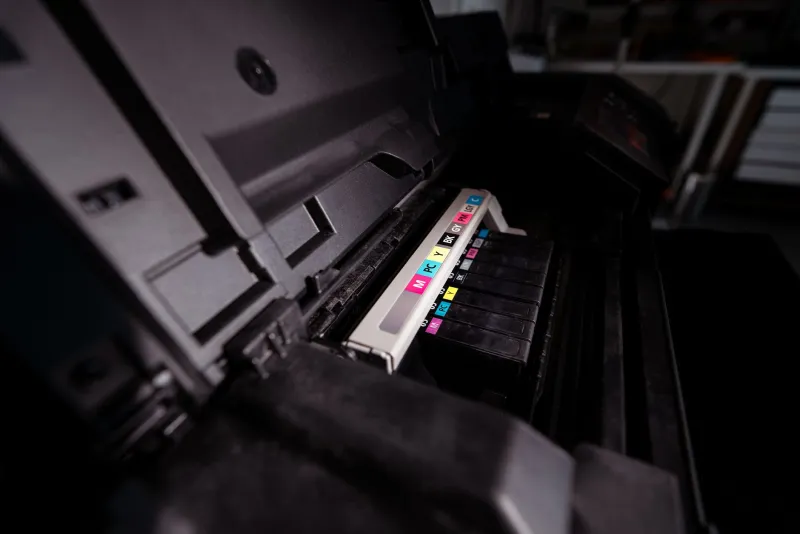
Most affordable all-in-ones sold in the UK are inkjets. They are brilliant at colour and photos, and they are usually cheap to buy. The catch is that the cheap bit is the hardware, not the ink. When you print mostly letters, forms and labels, you are running a colour inkjet through its black cartridge at a rate that feels out of proportion to the job.
Then there is the behaviour. Many inkjets wake up to clean their printheads, which is good for print quality but can use ink even when you have not asked for a page. Leave one idle for a fortnight and you may find it has been quietly doing housekeeping. A mono laser does not have that same wet-ink problem. It sits there, sleeps, and prints when asked.
That is the core argument: match the machine to the job. Admin printing is mostly text, mostly black, and often urgent. Colour printing is occasional, more decorative, and less frequent. One box can do both, but it rarely does both economically.
What you actually pay upfront
In 2026, a sensible budget mono laser for a home setup tends to land somewhere around £80 to £130. You can spend less if you catch a deal, and more if you want duplex or Wi-Fi, but the entry point is not scary. A small colour inkjet, the sort that is fine for cards and casual photos, can be £40 to £80. Add those together and you are often at £120 to £210.
A single budget all-in-one with colour scanning and printing might be £60 to £150. So yes, the two-machine route usually costs more on day one. That is the honest trade-off. The question is whether the running costs and the reduced fuss make that extra £50 or so back over a couple of years.
For many households, they do. But it depends on volume. If you print ten pages a month, one cheap inkjet may be all you need. If you print school letters, work notes, tickets and forms every week, the mono laser starts earning its keep quickly.
The running costs that decide it
Compatible toner is where the mono laser makes its case. A compatible black toner cartridge for a budget laser can cost around £10 to £20 and churn through a good number of pages, often 1,000 to 3,000 depending on the model and yield. That can work out at roughly 0.5p to 1.5p per page for black text. The exact figure depends on the cartridge, the printer and how much ink coverage is on the page, but the direction of travel is clear.
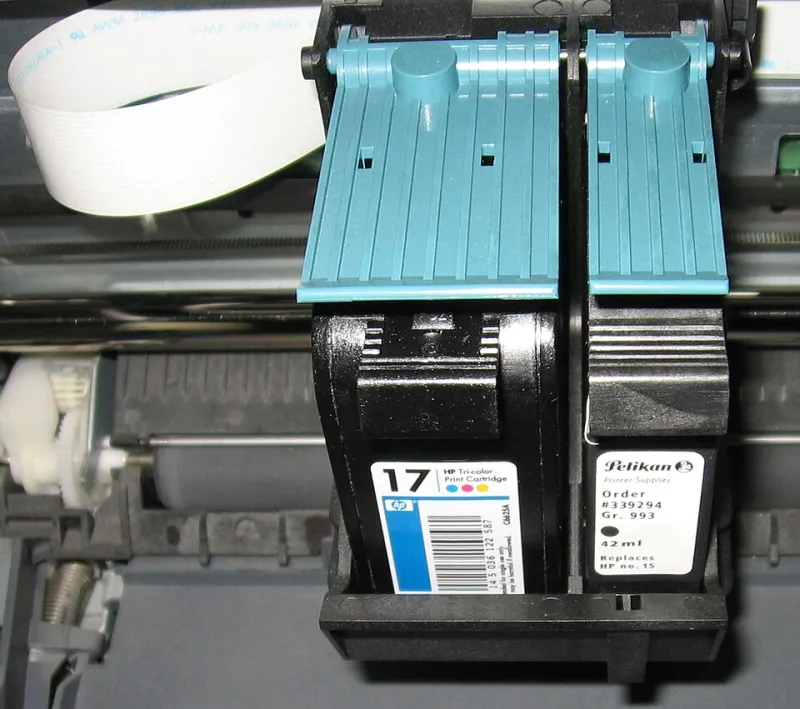
A colour inkjet using compatible ink is usually more expensive per page, especially for colour. A compatible multipack might cost £8 to £15, but colour pages and photo prints eat through ink faster. For everyday colour documents, you might be looking at a few pence per page. For photos, more. That is fine if you print photos occasionally. It is less fine if you are printing weekly homework in colour when black would do.
The two-machine setup lets you choose the cheap tool for the common job. Black-and-white letters go to the laser. Party invitations, a map for the weekend, a photo for grandparents, go to the inkjet. You stop paying colour-ink prices for a council tax form.
Standby, noise and the cupboard problem
Two printers do take more space than one. A compact mono laser is not tiny, and a small inkjet still needs room for paper in and paper out. You need a shelf or cupboard with enough depth, and you need to leave room for ventilation. Do not stack them on top of each other. Do not bury them behind the Christmas decorations.
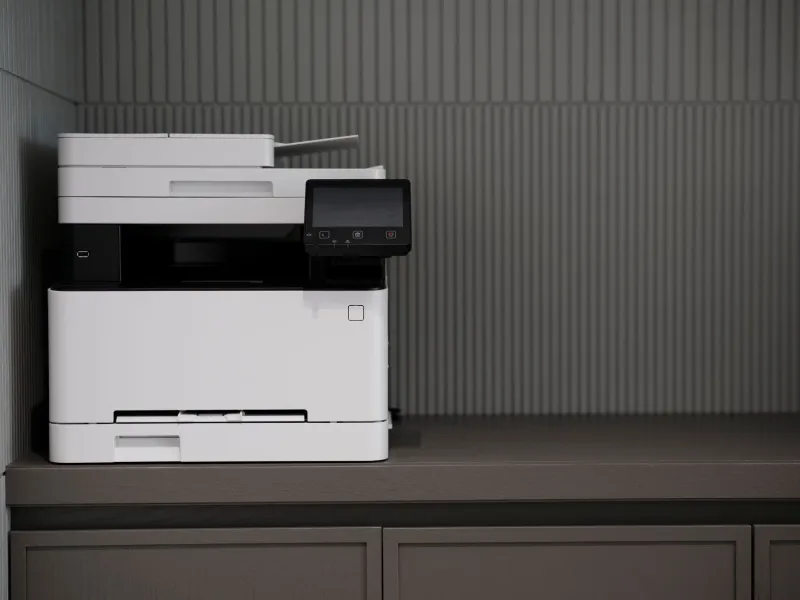
The practical answer is often a cupboard with two shelves: laser on the lower shelf, inkjet above or beside it, with the paper stash in a lidded box. If you are short on space, measure first. A mono laser might be around 35cm wide, while a small inkjet can be wider when the output tray is open. The two-machine rule only works if you are not fighting the furniture every time you print.
Standby behaviour matters too. A laser may use a little more power when it wakes, but it tends to sleep predictably. An inkjet may wake for cleaning cycles, which can be noisy and ink-hungry. If your printer lives in a bedroom or beside the TV, that difference is not just financial. It is domestic diplomacy.
Three realistic UK household scenarios
The school-admin household. Two adults, two children, a weekly pile of letters, permission slips and homework. They print mostly black text, often in a hurry. A mono laser handles the bulk. A small inkjet sits ready for the occasional project poster or birthday card. Compatible toner keeps the weekly stuff cheap, and the inkjet is not being flogged for every form.
The hybrid worker. One person works from home a couple of days a week and prints invoices, return labels and the odd contract. They also print a handful of colour photos a year. A mono laser makes the work printing feel less precious. The inkjet can be a modest model, because it is not carrying the household admin load.
The occasional printer. A couple who print boarding passes, a recipe and the odd letter. They might print 15 pages a month. Here, one small inkjet is probably enough. Adding a laser would be spending money to solve a problem they do not really have. The two-machine rule is not a religion.
When one printer is still the right answer
If space is genuinely tight, if you print very little, or if almost everything you print is in colour, a single all-in-one can still make sense. The same goes if you need a flatbed scanner and only have room for one device. The argument here is not that two printers are always better. It is that the default do-everything box is often asked to do too much, and UK households end up paying for that in ink and irritation.
A cheap mono laser plus a small colour inkjet is a bit more clutter and a bit more upfront cost. In return, you get cheaper black-and-white printing, a colour machine that is not exhausted by admin, and a setup that is easier to reason about. For a lot of homes in 2026, that is the more sensible cupboard.